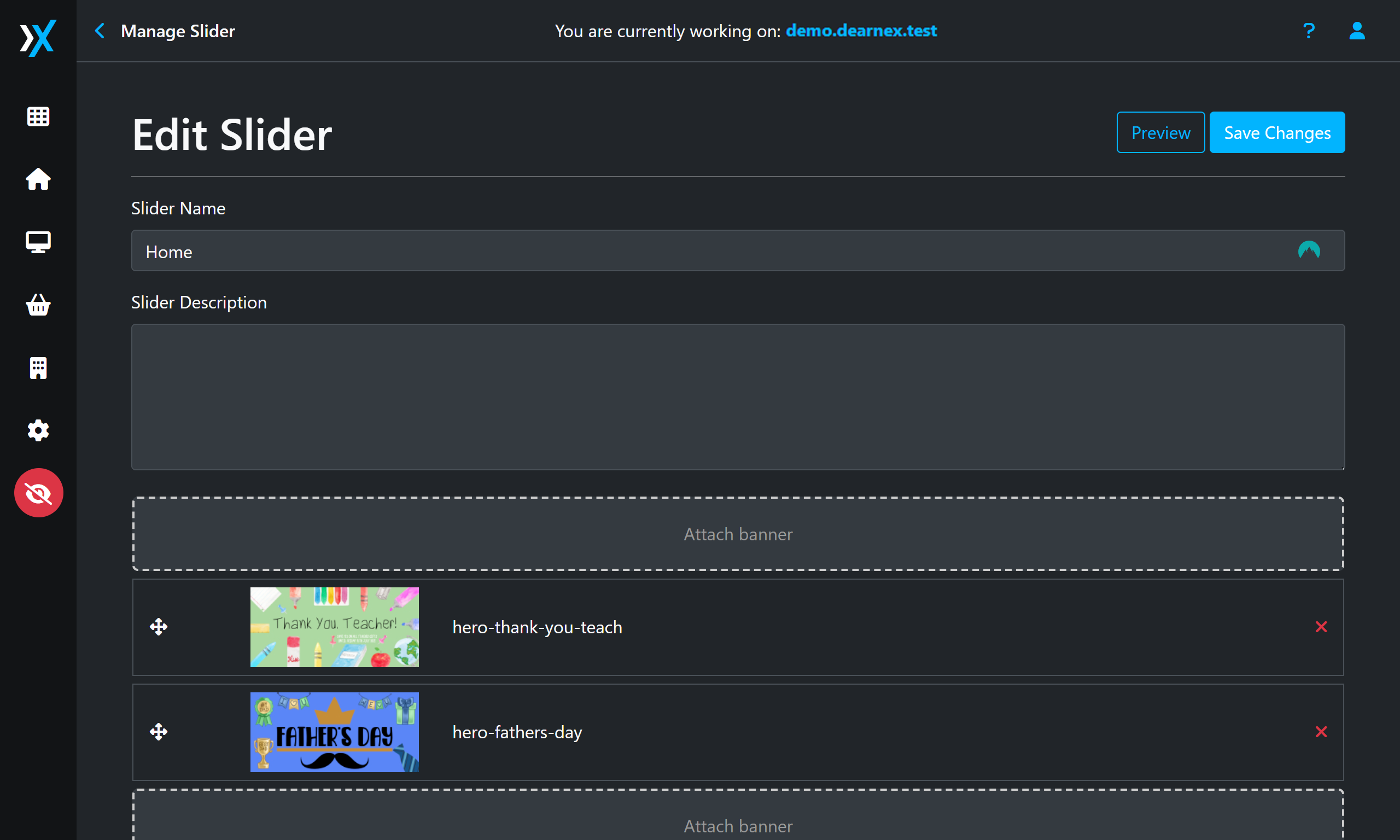
Using Sliders
Sliders are a component of Dearnex themes that contain a name and banners.
To navigate to sliders
- Click Monitor Icon
 on the sidebar
 - Click Sliders
Create Sliders
- Click Monitor Icon on the sidebar
- Click Sliders
- Click New Slider
- Fill out the name and attach the banners
- Click Create
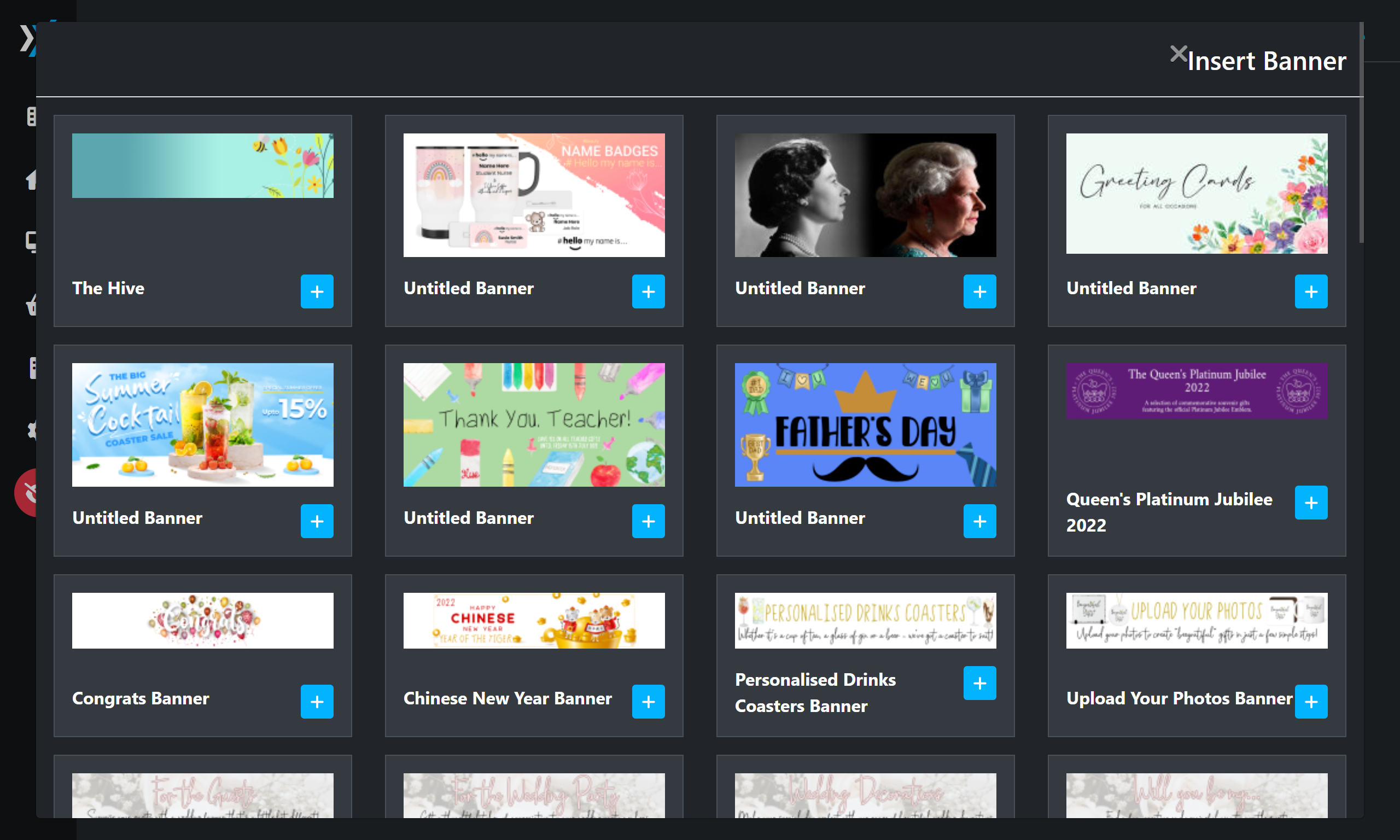
Adding banners to sliders is simple, click either of the grey dotted boxes that say Attach banner and a popup will show like below and all the banners you have added will appear here. A banner will show as Untitled Banner if there is not title on the banner.
After you've added your banners, you can use the  icon re-arrange the banners in the order you want, or press the x to remove banners you don't want to show on your slider.